Multi-Location Inventory Management Software Guide for SMBs
Learn how to efficiently manage multi-location inventory across multiple warehouses without losing track of raw materials or finished goods.
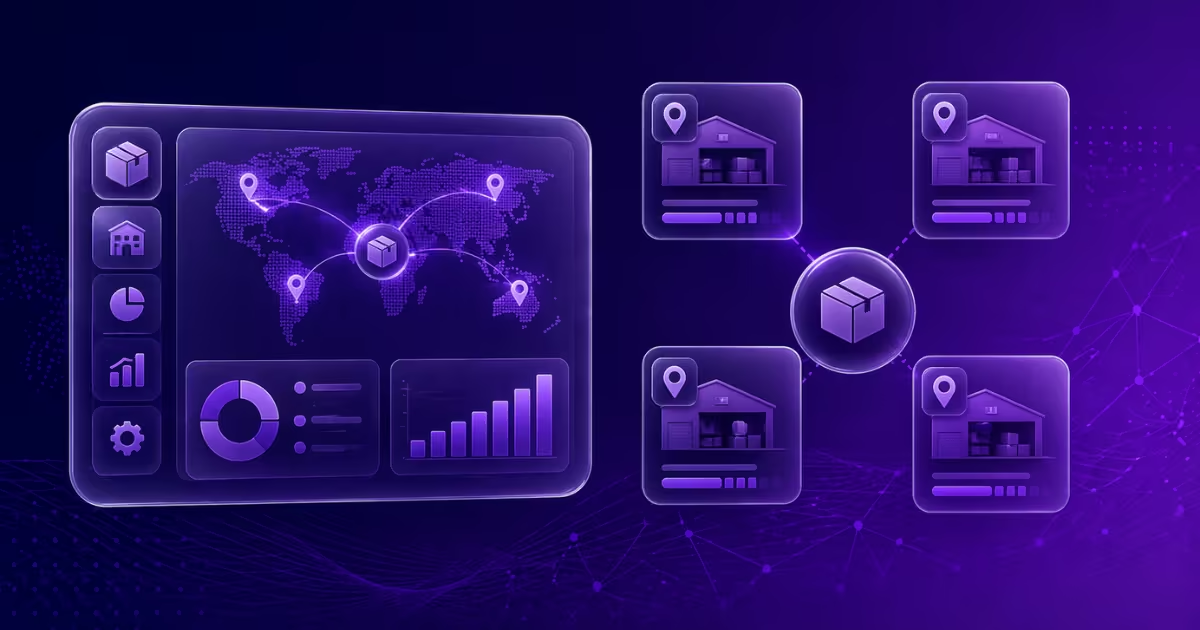
Growth is the ultimate goal for most businesses, but with growth comes complexity. One of the most significant hurdles a growing manufacturing or retail business faces is managing inventory across multiple locations.
Whether you've just opened a second storefront, acquired an off-site warehouse for raw materials, or expanded to a multi-city operation, relying on single-location spreadsheets will quickly lead to operational chaos.
The Challenges of Multi-Location Inventory
When your inventory is spread out, several new problems emerge:
- Ghost Inventory: Stock that exists in your system but can't be physically located when needed.
- Imbalanced Stock: One location has excess raw materials while another is suffering from stockouts, halting production.
- Complicated Order Fulfillment: Deciding which location should fulfill a specific customer order to minimize shipping times and costs.
- Opaque Data: Inability to see consolidated, company-wide inventory levels versus location-specific levels.
Strategies for Multi-Location Success
To manage inventory across sites effectively, you need a combination of clear operational processes and robust software.
1. Standardize Naming Conventions and SKUs
If Location A calls an item "10mm Steel Pipe" and Location B calls it "Pipe-Steel-10", you will never have accurate consolidated data. Standardize your SKUs, part numbers, and descriptions across the entire company.
2. Implement Clear Stock Transfer Procedures
Moving stock from Warehouse 1 to Warehouse 2 shouldn't be handled informally. You need a documented transfer process. When items leave Location A, they should be marked "In Transit." Only when they arrive and are physically received at Location B should they be added to that location's available stock.
3. Establish Location-Specific Reorder Points
A central warehouse might need a reorder point of 500 units, while a small branch might only need a reorder point of 50 units. Your inventory system must allow for dynamic, location-specific low-stock alerts.
4. Move to the Cloud
You cannot run a multi-location business on desktop-bound software or offline spreadsheets. You need a centralized, cloud-based system where an update in the Mumbai warehouse is instantly visible to the production manager in Pune.
Preparing for Multi-Location Management
(Note: Multi-location capabilities is a planned feature. We are working hard to bring this to larger corporate users to make managing multiple warehouses as easy as managing one. If you would like early access to it, please get in touch with us via the support chat.)
Before adopting multi-location software, audit your physical spaces. Ensure every shelf and bin is clearly labeled. Software can tell you what warehouse an item is in, but good organization tells your team exactly where to find it.
By implementing the right strategies early, you can ensure that your expansion leads to increased profits, not just increased headaches.