Barcode & QR Code Inventory Tracking for Manufacturers
Learn how barcode & QR code inventory tracking helps small manufacturers reduce errors, speed up stocktaking, and improve real-time visibility.
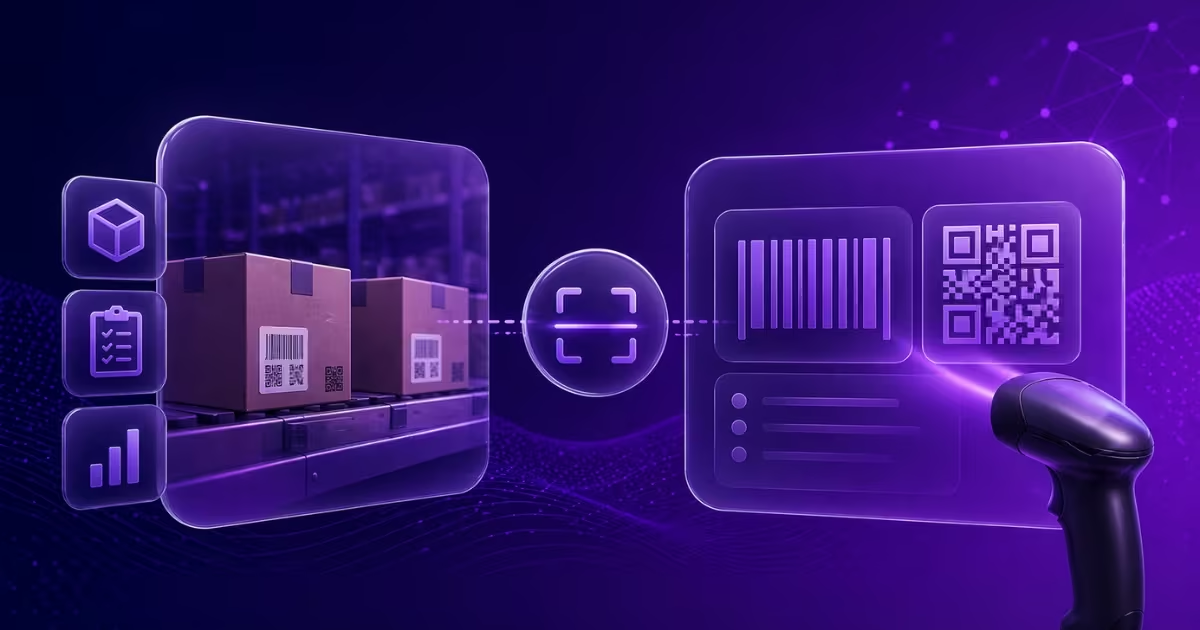
For many small manufacturers, inventory management is still a manual process. Employees walk the warehouse floor with clipboards, writing down part numbers and quantities, which are later entered into a spreadsheet. This method is slow, prone to human error, and rarely provides real-time visibility.
Moving to a barcode or QR code inventory tracking system can transform how your business operates, giving you faster, more accurate data without needing a massive enterprise budget.
Why Manual Tracking is Costing You
When your stock-taking process relies entirely on human data entry, mistakes are inevitable. A misread '0' instead of an 'O', or an accidentally skipped row can lead to:
- Stockouts: Thinking you have raw materials when you don't, causing production delays.
- Over-ordering: Buying excess inventory "just in case," tying up crucial working capital.
- Wasted Time: Hours spent counting and recounting stock rather than focusing on production.
How Barcoding and QR Codes Work
At its core, a barcode or QR code is just a machine-readable representation of an item's SKU or serial number.
- Barcodes (1D): Great for standard product identification. They require a dedicated scanner or a good smartphone camera.
- QR Codes (2D): Can hold more data, including batch numbers, expiry dates, or direct links to the item's profile in your software. They are easily scanned by any modern smartphone.
When items arrive at your facility, they are tagged. When they are used in production, or when finished goods are shipped out, the tag is scanned. The inventory software automatically updates the stock levels.
Key Benefits for Small Manufacturers
1. Near-Perfect Accuracy
Scanning a barcode completely removes the data-entry error. An item is either scanned or it isn't. This ensures your digital inventory matches your physical inventory almost perfectly.
2. Speed
What used to take an entire weekend can now be done in hours. Cycle counts become a breeze. An employee simply walks down an aisle scanning items as they go.
3. Real-Time Data
Because stock levels are updated instantly upon scanning, your production planners and sales teams always have up-to-the-minute data. If a batch of raw materials is used in the morning, the system reflects that change immediately.
4. Better Traceability
For industries that require batch tracking, scanning allows you to easily associate specific raw material batches with finished products, simplifying recalls and quality control.
Implementing Scanning in Rekavoze
(Note: Barcode & QR code scanning is our highest-priority upcoming feature! We are currently building robust scanning capabilities directly into the Rekavoze mobile experience to make stocktaking completely seamless. Stay tuned for updates!)
When implementing a scanning system, the most important factor is ease of use. If the system is clunky, your team will revert to old habits. Look for software that allows you to use standard smartphones rather than forcing you to buy expensive, proprietary hardware scanners.
By adopting barcode or QR code tracking, you're not just upgrading your software; you're fundamentally upgrading your warehouse efficiency.